
This instruction manual covers the operation, programming, maintenance, and troubleshooting of the Sharp XE-A207/XE-A23S electronic cash register.
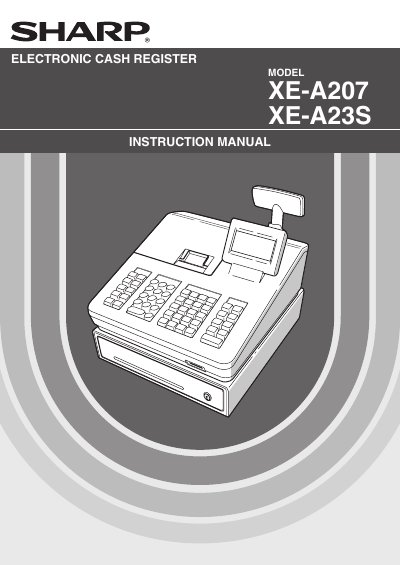
The document serves as a comprehensive guide for the Sharp XE-A207 and XE-A23S electronic cash registers. It details parts identification, operating modes, entry procedures for sales transactions (including tax calculations), and correction methods. The manual also explains how to enter manager mode, read sales totals, and program various system settings such as departments, discounts, taxes, and personnel codes.
| Power Supply | 120V AC |
|---|---|
| Battery Type | Two alkaline batteries LR6 ("AA") |
| Printer Type | Thermal printer |
| Average Printer Life | 6 million lines |
| Paper Width Specification | 57.5 ± 0.5 mm |
The register requires two alkaline batteries LR6 ("AA" size) to be installed after initialization.
No, it uses a thermal printer that does not require any type of ink ribbon or cartridge.
The paper must be high quality with a thickness of 0.06 to 0.08 mm.