
This manual explains how to download, register, log in, verify identity, and use the main functions of the Shaanxi Pension Insurance app for personal users.
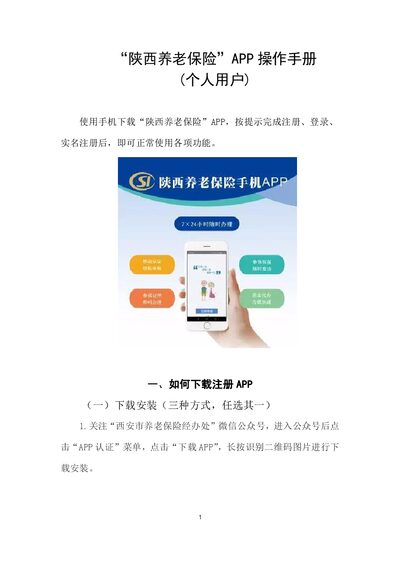
The guide shows three ways to obtain the “陕西养老保险” app: via the official WeChat public account, by scanning the QR code, or by searching the app name in the phone’s app store. It then details the registration process, including the option to log in directly with an activated social‑security card or to complete a full registration for other users.
After logging in, users must complete real‑name verification by scanning their ID, confirming the captured image, and performing facial recognition. The app also supports fingerprint binding for quicker future logins and describes the main functional modules such as Business Processing, Business Inquiry, Information Verification, and various informational sections on the home screen. This manual is written in Chinese.
You can download it in three ways: follow the official WeChat public account and click the download menu, scan the QR code shown in the manual, or search “陕西养老保险” in your phone’s app store.
No, an activated social‑security card allows you to log in directly without completing the registration steps.
After logging in, tap “实名注册”, then follow the steps to scan your ID, confirm the captured image, and complete facial recognition; the document type must match the one used during registration.