
The SECONS ELM-USB OBD Tester User Manual provides installation, setup, and usage instructions for automotive diagnostics.
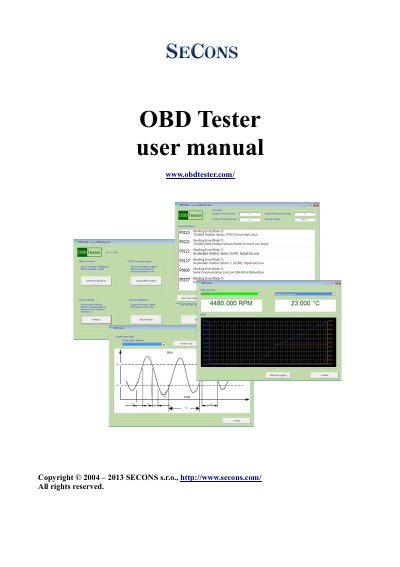
This manual describes the ELM-USB diagnostic interface and the OBDTester software. It covers OBD‑II standards, supported protocols and modes, connector details, and the functions available in the software, including ECU information, fault code reading, and sensor tests.
Installation steps for Windows and GNU/Linux are provided, along with first‑time setup, software settings, license activation, debugging, and troubleshooting tips to help users connect the interface and perform diagnostics on their vehicles.
| Supported OBD‑II protocols | SAE J1850 PWM, SAE J1850 VPW, ISO9141-2, ISO14230-4 (KWP2000), ISO 15765-4/SAE J2480 |
|---|---|
| Supported OBD‑II modes | Mode 1 to Mode 10/0xA |
| OBD‑II connector type | Female 16‑pin (2x8) J1962 |
| LED indicator status | Green when powered, orange when communicating |
| Operating system support | Microsoft Windows, GNU/Linux (via Wine) |
Press Windows Key + R, run the shutdown command, restart to the Advanced Boot Options screen, disable driver signature enforcement, then install the FTDI/Arduino drivers.