
User manual for Sealey's electronic key cabinets, covering installation, operation, battery replacement, and security features.
This manual provides instructions for installing and operating Sealey’s electronic key cabinets (SEKC25, SEKC50, SEKC100). It details safety precautions, mounting requirements, and how to set and use combinations. The cabinets feature electronic keypads, LED indicators, and manual override keys. Battery replacement and lost key procedures are also covered.
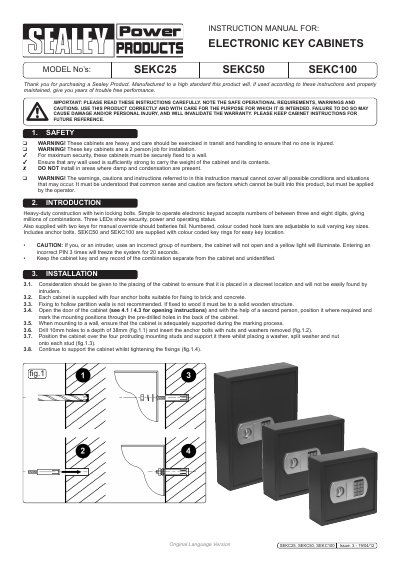
Installation requires two people and securing the cabinet to brick or concrete walls using included anchor bolts. The manual includes warnings about improper installation and handling, and notes that the cabinets must be securely mounted to prevent theft or damage.
| Construction | Heavy-duty with twin locking bolts |
|---|---|
| Keypad | Electronic keypad accepts 3-8 digit combinations |
| LED Indicators | Three LEDs show security, power, and operating status |
| Manual Override | Two keys for manual override if batteries fail |
Use the manual override key to unlock the cabinet. The override lock is under the logo panel in the center of the main control panel.
The system will freeze for 20 seconds.
Open the cabinet and remove the batteries from the back of the door. Replace all batteries with new ones.
Contact Sealey’s sales office with the unique number on the lock and a copy of your purchase invoice. Replacement keys take 14–28 days to arrive.