
Supplemental service manual for the SE Timer used with 2510, 2750, 2850, 9000, 9100, and 9500 valves, covering setup, programming, and parts.
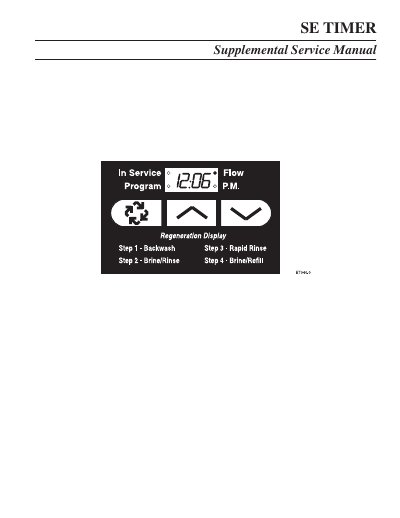
This SE Timer Supplemental Service Manual provides job specification fields and control start-up procedures for the SE Timer used with 2510, 2750, 2850, 9000, 9100, and 9500 valves. It covers display behavior, setting the time of day, extra regeneration, control programming, and operation during regeneration, programming, and power failure.
Assembly sections list part numbers for the 2510/2750/2850 timer assembly and the 9000/9100/9500 twin tank timer assembly, along with 3/4-inch turbine meter and paddle wheel meter cap assemblies and valve wiring references.
| Display format options | US Gallons, Liter, Cubic Meters |
|---|---|
| Regeneration type options | Time Clock, Meter Immediate, Meter Delayed |
| Valve type options | 2510, 2750, 2850; 9000, 9100, 9500 |
| Line frequency | 50 Hz or 60 Hz |
| Programming mode volume units | Gallons, Liter, Cubic Meters |
While the valve is In Service, push either the Set Up or Set Down button once to adjust the Time Of Day by one digit; push and hold to adjust by several digits.
Push and hold the Extra Regeneration button for 5 seconds.
Push and hold both the Set Up and Set Down buttons for 5 seconds while the valve is In Service.
All control displays and programming are stored for use upon power re-application, and calls for regeneration are delayed.