
Comprehensive user guide for SDL Trados Studio 2019 covering project creation, translation workflows, terminology management, and machine translation…
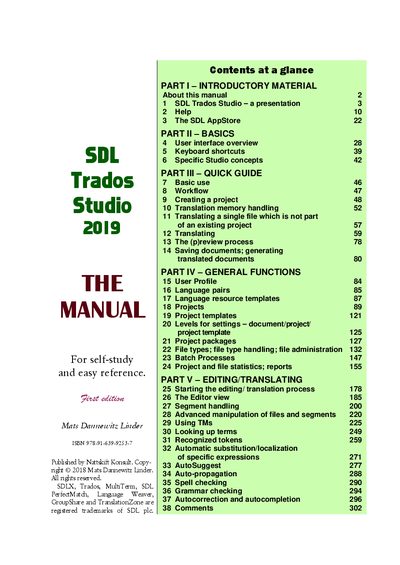
This manual serves as a self-study reference for SDL Trados Studio 2019. It covers introductory material, basic concepts such as the user interface and keyboard shortcuts, and provides a quick guide to essential tasks like creating projects and handling workflows.
The document details general functions including user profiles, language pairs, project templates, and file administration. It also guides users through the editing and translating process, segment manipulation, translation memory usage, term lookup, spell checking, grammar checking, and quality control procedures.
It is designed for self-study and easy reference regarding SDL Trados Studio 2019.
The manual was published by Nattskift Konsult.