
The Sanjiao Wing V1.0 flight controller manual provides installation, calibration, and flight‑mode setup for triangular‑wing RC aircraft.
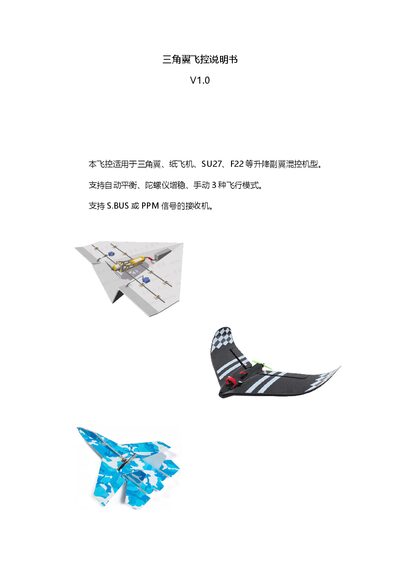
This manual describes the Sanjiao Wing V1.0 flight controller, which is compatible with triangular‑wing, paper, SU27, F22 and other mixed‑control models. It supports three flight modes—balance, stabilization and manual—as well as SBUS or PPM receiver signals.
The guide covers hardware parameters, mounting instructions, remote‑control phase configuration, power‑on and attitude calibration procedures, servo‑phase testing and adjustment, and detailed explanations of each flight mode and gyro sensitivity tuning. This manual is written in Chinese.
| Input voltage | DC5V (max 6V) |
|---|---|
| Connector pin pitch | 2.54 mm, 3‑pin × 5 |
| Weight (with connector) | 2.5 g |
| Dimensions | 35 mm × 14.65 mm |
| Channel assignments | Channel 1 = left servo, Channel 2 = right servo, Channel 3 = throttle (BEC power) |
| Receiver compatibility | SBUS or PPM |
When the controller is powered on it performs gyro calibration indicated by a flashing green LED; keep the aircraft stationary until the LED stops flashing.
Use the transmitter CH5 three‑position switch to choose between balance, stabilization, and manual modes.
The motor safety lock is controlled by the transmitter CH7 two‑position switch; switch up to lock and down to unlock.
Press the front‑panel button on the controller: one short press toggles the aileron mix inversion (LED1), two short presses toggle the elevator mix inversion (LED2).