
Quick guide for the Sandberg USB-C PD 130W 50000 powerbank, covering ports, charging, lamp, Always-ON-Mode and warranty.
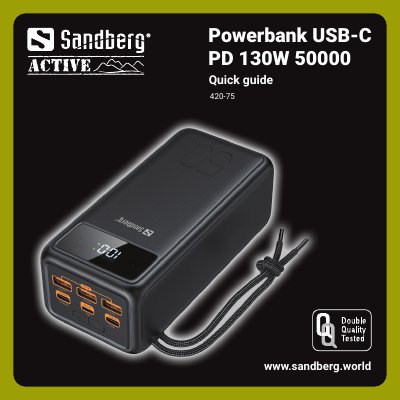
This quick guide covers the Sandberg USB-C PD 130W 50000 powerbank. It identifies six ports plus a LED digital display, lamp button and switch button.
It explains charging the powerbank, checking capacity, charging devices, lamp modes, Always-ON-Mode and the five-year warranty.
| OUT1 | USB-C, 30W |
|---|---|
| IN2 | Lightning, 18W input |
| IN/OUT3 | USB-C, 100W |
| OUT4 | USB, 18W |
| OUT5 | USB, 18W |
| OUT6 | USB, 18W |
| Auto-off | After 2 hours with no device or below 60 mA |
| Warranty | Five years |
Click to check capacity status.
Click twice to turn off.
Press the lamp button for 4 seconds.
There is a five-year warranty on the product.