
Command reference for the Samsung SRP-350 thermal printer, covering control codes, command formats, parameters and status functions.
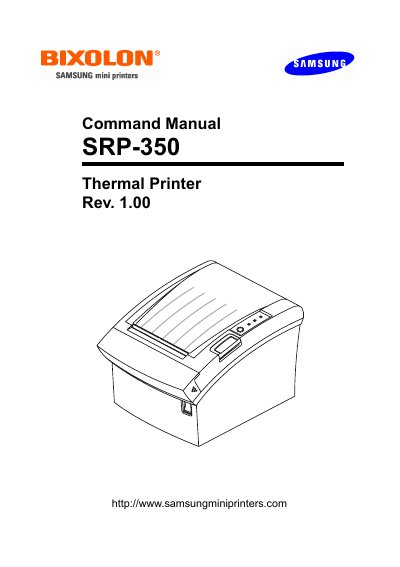
This Command Manual (Rev. 1.00) for the Samsung SRP-350 thermal printer presents the printer's control commands. It begins with a control command list that gives each command, its hexadecimal code and its function, then explains individual commands with name, format, range and description.
The command details cover print and line feed, page mode, print mode selection, character spacing, user-defined characters, bit-image mode, status transmission and error recovery. The notation section explains ASCII, hexadecimal and decimal equivalents, and the terms section defines LSB as Least Significant Bit.
| Character font sizes | 12 × 24 and 9 × 17 |
|---|---|
| Default line spacing | 1/6 inch (approximately 4.32 mm) |
It transmits the selected printer status in real time. The n value selects printer status, off-line status, error status or paper roll sensor status.
ESC 2 selects the default 1/6-inch line spacing, which is approximately 4.32 mm.
The DLE ENQ n command recovers from an error and restarts printing from the line where the error occurred.
Use ESC - n; n values 0 or 48 turn underline off, 1 or 49 turn it on at 1-dot thickness, and 2 or 50 turn it on at 2-dot thickness.