
French user manual for the Samsung Gear IconX SM-R140 wireless sport earbuds, covering setup, controls, music, workouts, calls and troubleshooting.
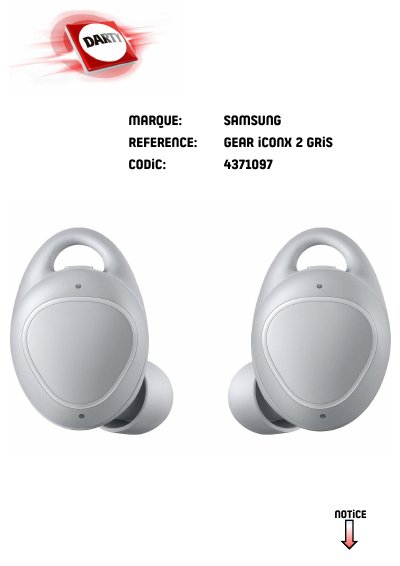
Samsung Gear IconX SM-R140 is a pair of wireless sport earbuds. This French user manual explains setup, wearing, touchpad controls, music playback, workout recording, calls, ambient sound, and use with the Samsung Gear app and Gear IconX PC Manager.
It also covers package contents, charging case and battery information, indicator lights, troubleshooting, restarting the earbuds, and battery removal precautions. This manual is written in French.
| Model | SM-R140 |
|---|---|
| Nominal voltage (earbuds) | 5 V / 150 mA |
| Nominal voltage (charging case) | 5 V / 500 mA |
| Maximum Bluetooth range | 10 m |
| FCC ID | ASLSM-R140 |
Remove the wingtip from one earbud, then use a paper clip to press and hold the power button on top for more than 10 seconds to turn it off; repeat for the other earbud, then hold the button again until the sensor light blinks three times to restart.
Stop using them for a while; if they continue to heat up, contact a Samsung service center.
The earbuds and the connected Bluetooth device should be within a maximum Bluetooth range of 10 m.
Yes, you can listen to music stored on the earbuds and they also record exercise information.