
Chinese user manual for the Samsung SGH-M608 mobile phone, covering standby, calls, messages, camera, settings, and safety notes.
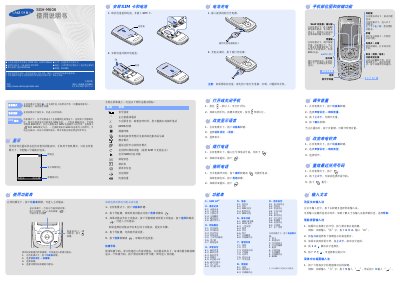
This document is the Chinese user manual for the Samsung SGH-M608 mobile phone. It explains basic operation such as standby mode, silent mode, voicemail, SOS mode, text input, calls, messages, camera use, and phone settings.
It also includes regulatory approval information, a hazardous-substances table for product components, and an environmental use period of 20 years. This manual is written in Chinese.
| Environmental use period | 20 years |
|---|
Press and hold the power key for more than one second to turn it on. When the keys are not locked, press and hold the power key for more than two seconds to turn it off.
In standby mode with the slider closed and keys locked, press the volume key four times consecutively to send an SOS message to the preset phone number.
In standby mode, open the menu, select Phone settings, then Language, and choose the desired language.