
This Samsung QB24R-T monitor troubleshooting guide covers screen power, no signal, and optimum mode issues in English, French, and Spanish.
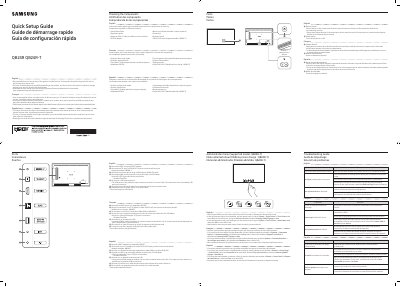
This Samsung QB24R-T monitor troubleshooting guide provides issue-and-solution tables for problems such as the screen switching on and off, no signal, and non-optimum mode. It also describes product components, ports, and administrator menu settings in English, French, and Spanish.
| Recommended daily use | under 16 hours |
|---|---|
| USB port current | 1.0A maximum constant current |
| LAN speed | 10/100 Mbps |
| LAN cable type | Cat7 STP |
| Bluetooth | Supported |
Check that the cable between the product and the PC is connected correctly.
It appears when products including the source device are not connected correctly or the source device is powered off.
Use is recommended for under 16 hours per day; longer use may void the warranty.
The QB24R-T model supports touch functions when connected to a PC using a TOUCH OUT cable.