
Samsung monitor quick setup guide covering unpacking, package contents, and control panel functions.
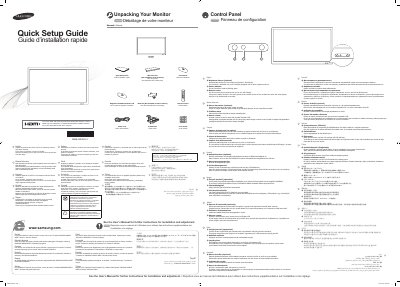
This quick setup guide is for a Samsung monitor and lists the items included in the box, including the remote control, power cord, D-SUB cable, and cover screw.
It explains unpacking and checking the contents, and describes control panel items such as the optional brightness sensor, power indicator, and remote sensor.
| Brightness sensor | Optional; automatically detects surrounding brightness and adjusts screen brightness on models with an auto brightness sensor |
|---|---|
| Power indicator | Blinks green to show PowerSaver mode |
| Remote sensor | Aim the remote control towards this spot on the LCD Display |
Contact your dealer.
The power indicator blinks green.
Aim it towards the remote sensor spot on the LCD display.
No, it is activated only on models equipped with an auto brightness sensor.