
The Samsung MCU Studio NewStar V2.0B programmer user manual explains setup, operation, supported Samsung MCU families, and safety precautions.
The NewStar V2.0B is a high‑performance programmer for Samsung 4‑ and 8‑bit microcontrollers. It provides full‑function programming, including erase, program, verify, read‑protect, LDC‑protect and hard‑lock protect, using a 12 V programming voltage and 5 V chip voltage, and can address up to 64 KB of ROM.
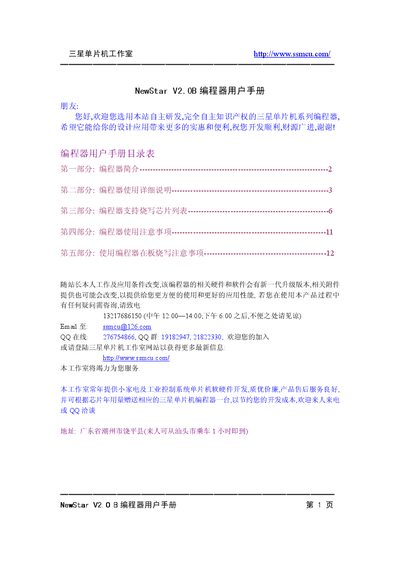
The manual is organized into five sections: an introduction to the programmer, detailed usage instructions, a comprehensive list of supported Samsung MCU parts, important usage precautions, and guidelines for on‑board (in‑circuit) programming. It also includes wiring diagrams, COM‑port configuration tips, and troubleshooting advice. This manual is written in Chinese.
| Programming voltage | 12 V |
|---|---|
| Chip voltage | 5 V |
| Maximum ROM size | 64 KB |
| Addressable range | 0000H–0FFFFH (64 KB) |
| Supported MCU families | S3C1xxx, S3C7xxx, S3C8xxx, S3C9xxx |
It uses a 12 V programming voltage and a 5 V chip voltage.
The programmer supports up to 64 KB of ROM.
It supports Samsung 4‑bit MCUs (S3C1xxx, S3C7xxx) and 8‑bit MCUs (S3C8xxx, S3C9xxx).
Change the default COM port in OPENICE Options → Environment menu to a different port than the programmer uses.