
Saia-Burgess S-Bus SIO Driver GP-Pro EX Device/PLC Connection Manual

Connection manual for the Saia S-Bus SIO Driver with GP-Pro EX displays and Saia PCD PLCs, covering setup, cables, and errors.
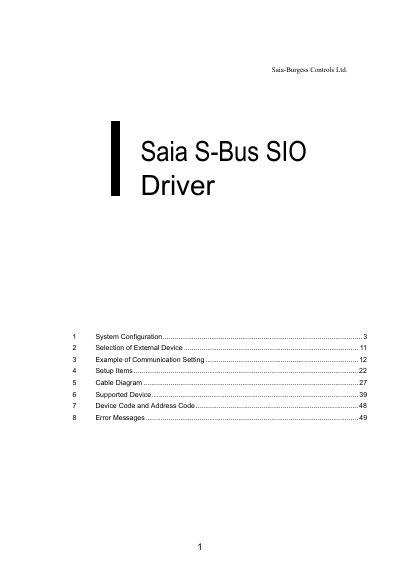

Saia-Burgess S-Bus SIO Driver GP-Pro EX Device/PLC Connection Manual - cover page
Brand
saia-burgess
Category
Other Electronics
Document type
Installation Guide
Language
English
Pages
50
File format
PDF
File size
655 KB
Published
09 November, 2026
Updated
09 November, 2026
MD5 checksum
16214BC307733150CEF45719721C594D

About this manual

This manual describes how to connect a display using GP-Pro EX to an external Saia-Burgess device (target PLC) through the Saia S-Bus SIO driver. It covers system configuration, external device selection, communication setting examples, setup items, cable diagrams, supported devices, device codes, and error messages.

It also documents 1:1 and 1:n connection configurations, IPC COM port usage, dip switch settings for RS-232C and RS-422/485, and error codes returned by the external device.

What's inside

  • System Configuration
  • Selection of External Device
  • Example of Communication Setting
  • Setup Items
  • Cable Diagram
  • Supported Device
  • Device Code and Address Code
  • Error Messages

Specifications

Maximum number of PCDs (1:n connection)16
Terminal resistance220 Ω

Frequently asked questions

What is the maximum number of PCDs supported in a 1:n connection?

Up to 16 PCDs can be connected.

What does error code 0x02 indicate?

The PCD is locked against data communication and must first be unlocked by the programming software.

Which COM ports can be used on PS-3450A and PS-3451A?

COM1 and COM2 can be used.

Download PDF (655 KB)

More saia-burgess Manuals


View all saia-burgess manuals →