
User manual for the Sa Luo Man SL3 3D printer covering setup, safety, software, networking, printing settings and warranty.
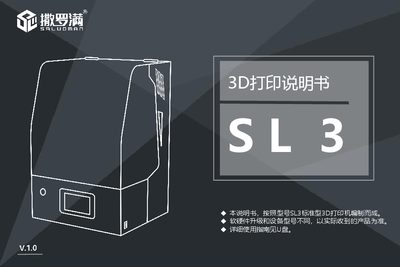
The Sa Luo Man SL3 3D printer manual provides step‑by‑step instructions for unboxing, installing the printing platform, connecting power and network, and operating the device. It includes safety guidelines, recommended consumables, and detailed descriptions of the touch‑screen interface and printing parameters.
Additional sections cover software installation, slice settings, remote control via Wi‑Fi, and warranty information, with contact details for technical support and a list of accessories included in the package. This manual is written in Chinese.
| Touch Screen | 4.3‑inch color |
|---|---|
| X/Y Resolution | 75 µm (2560×1600) |
| Z‑Axis Accuracy | 0.02 mm – 0.05 mm |
| Print Speed | 3 mm – 8 mm per layer |
| Rated Power | 120 W |
| Build Volume | 192 mm × 120 mm × 230 mm |
| Device Dimensions | 330 mm × 360 mm × 530 mm |
| Rated Voltage | 220 V |
Do not let skin or eyes contact the photosensitive resin; if contact occurs, rinse immediately with water and seek medical attention if needed.
Open the Wi‑Fi settings on the printer, select your network, and enter the password to connect.
The SL3 printer is covered by a 12‑month warranty, excluding the release film and display screen.