
User guide for the 瑞特 GM700 blood glucose meter, covering setup, testing, maintenance, and troubleshooting.
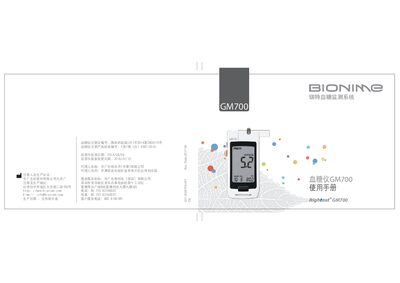
The GM700 blood glucose monitoring system is designed for personal and professional use, measuring whole‑blood glucose from fingertip, palm or forearm samples. It operates exclusively with GS700 test strips and the accompanying control solution.
The manual explains how to start the device, replace the CR2032 battery, set time, volume and date, perform a test, run quality‑control checks, maintain the meter, troubleshoot common errors, and use the record book and warranty cards. This manual is written in Chinese.
| Power supply | DC 3 V |
|---|---|
| Battery type | CR2032 (1 piece) |
| Battery life | ≈1000 tests |
| Weight | 57 g ± 5 g (incl. battery) |
| Test strip storage conditions | 4 °C to 30 °C, <90 % RH |
Slide the battery cover down, remove the old CR2032 cell, insert a new one with the correct polarity, then slide the cover back until it clicks.
Only GS700 blood glucose test strips and the matching control solution are compatible with the GM700.
Insert a control‑solution test strip into the strip slot; the meter automatically runs the QC and displays low (Lo) and high (Hi) values.