
User manual for the RT700 series barcode printer, covering installation, operation, network settings, accessories, and maintenance.
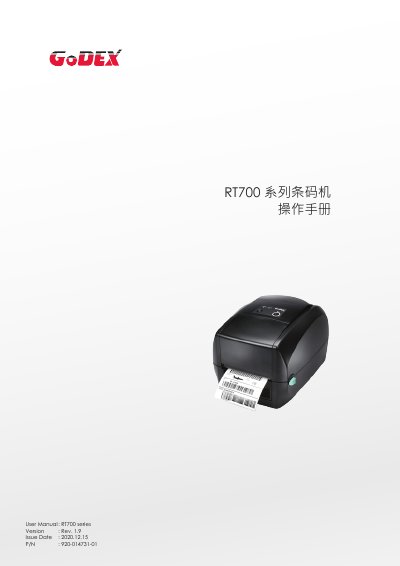
This manual provides instructions for the RT700 series barcode printer, including an introduction to the device parts and how to install the ribbon and label paper. It details the connection to a computer and the installation of the GoLabel software driver.
The guide covers setting up the printer interface, troubleshooting error messages, and configuring the NetSetting network software. It also includes information on optional accessories like the auto-peeler and cutter, as well as maintenance procedures and a list of technical specifications. This manual is written in Chinese.
| Print Mode | Thermal/Thermal Transfer |
|---|---|
| Resolution | 203dpi / 300dpi |
| Print Speed | 5IPS / 4IPS |
| Print Width | 4.25 inches |
| Memory | 8MB Flash / 16MB SDRAM |
| Paper Width | 25.4 mm to 118 mm |
| Supported Languages | EZPL, GEPL, GZPL |
The maximum print width is 4.25 inches (108 mm) for the RT700 model.
Yes, the printer supports both thermal and thermal transfer modes.
The package includes the GoLabel label editing software and its user manual.