
This guide provides quick start instructions for installing, connecting sensors, wiring, and configuring the Rosemount Analytical SoluComp II T1055…
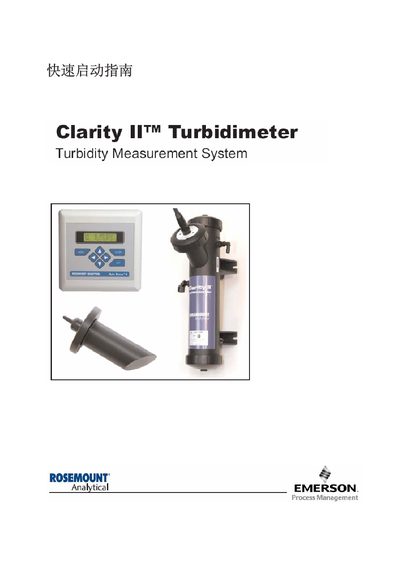
This document serves as a Quick Start Guide for the Clarity II (SoluComp II) T1055 Turbidity Analyzer. It outlines essential steps for installation, including connecting the sensor cable via the strain relief fitting and wiring power, alarm, and signal outputs to terminal boards TB1, TB2, and TB3.
The guide details the initial setup process using the Quick Start screen, allowing users to select language, configure the number of sensors (one or two), define measurement parameters (Turbidity or Total Suspended Solids/TSS), and choose units. It also covers navigating the main menu for calibration, output configuration, and alarm settings. This manual is written in Chinese.
| Measurement Range | 0-200 NTU |
|---|---|
| Display Resolution (Turbidity) | 0.001 NTU |
| Power Supply | 85-265V AC, 47.5-65.0Hz |
| Environmental Temperature | 0-50°C (32-122°F) |
| Output Signal | 4-20mA or 0-20mA, isolated |
Users can select Turbidity or Total Suspended Solids (TSS).
The instrument supports six languages: English, French, German, Italian, Spanish, and Portuguese.