
A quick guide for the RIGOL DSA800 Series Spectrum Analyzer covering inspection, safety, setup, and remote control basics.
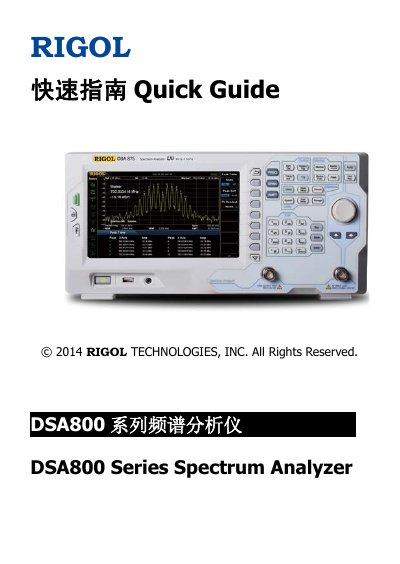
This document serves as a Quick Guide for the RIGOL DSA800 Series Spectrum Analyzer, specifically covering the DSA815, DSA832, and DSA875 models. It provides essential information on general inspection, safety precautions, and initial setup procedures.
| AC Power Source | 100 V - 240 V, 45 Hz - 440 Hz |
|---|---|
| Reverse Power Limit (<10 MHz) | +10 dBm |
| Reverse Power Limit (>10 MHz) | +20 dBm |
| Reverse DC Voltage Limit | 50 V |
The series mainly includes the DSA815, DSA832, and DSA875 models.
Press System -> Calibrate -> Cal Now to perform self-calibration using the internal calibration source.
Press the Esc key on the front panel to exit remote mode.
You can refer to the DSA800 Series Datasheet for main characteristics and specifications.