
The Rightest GM100 blood glucose meter user manual provides setup, operation, error handling, and maintenance instructions.
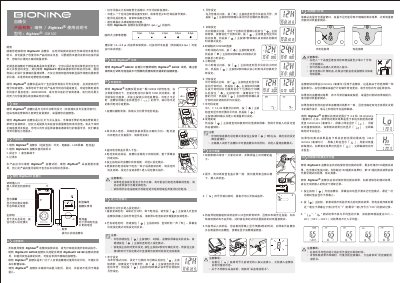
This manual explains the components of the Rightest GM100 blood glucose meter, how to install the CR2032 battery, and how to set time, date, and measurement units. Detailed step‑by‑step instructions cover sample collection, test strip insertion, and reading results, as well as how to store up to 150 test records.
Safety notes, error‑message explanations, specifications, and warranty information are also included, helping users achieve accurate glucose measurements in the recommended temperature and humidity ranges. This manual is written in Chinese.
| Battery type | CR2032 3 V |
|---|---|
| Dimensions | 95.0 mm × 43.8 mm × 13.0 mm |
| Weight | 43.0 g (incl. battery) |
Open the battery cover on the back, slide it open, insert a new CR2032 battery in the correct orientation, then close the cover.
A flashing symbol means the battery power is low; replace the battery promptly to continue testing.
Follow the error‑message guide: replace the test strip if it is used or damaged, or perform a quality‑control test and check the battery if the device reports a fault.