
User manual for the Rega Saturn MK3 CD player and DAC, covering setup, controls, remote operation, USB, filters, and connectivity.
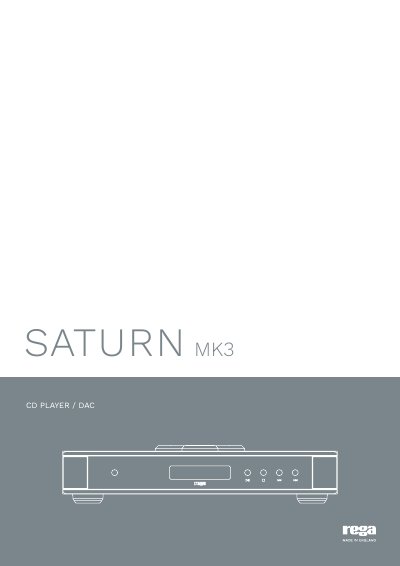
The Rega Saturn MK3 is a CD player and DAC with a CD transport and an independent DAC circuit. This manual covers safety and compliance, panel controls, remote control functions, CD playback, USB setup, DAC filters, and indicator functions.
Connectivity includes USB, two optical inputs, two coaxial inputs, and digital and analogue outputs. The DAC accepts two-channel PCM audio and provides five selectable filter settings.
| DAC ICs | Pair of Wolfson WM8742 |
|---|---|
| USB sample rate | 44.1 to 192 kHz |
| USB bit depth | Up to 24 bits |
| Digital audio input format | Two-channel PCM only |
| Inputs | USB, 2 optical, 2 coaxial |
| Outputs | DAC optical, DAC coaxial, DAC analogue, CD optical, CD coaxial |
| MP3/WMA playback limit | 999 tracks and 99 albums |
| Program memory | Up to 99 tracks |
| Remote control batteries | 2 x AAA alkaline |
| Remote control code | Phillips RC5 system number 16 audio pre-amplifier |
| DAC filter settings | 5 |
No, it accepts only two-channel PCM digital audio.
No, the driver is not required for MacOS.
Up to 99 tracks can be programmed.
Five filter settings are available.