
This manual provides instructions for using the Redmine project management software, covering account management, login, registration, and core features…
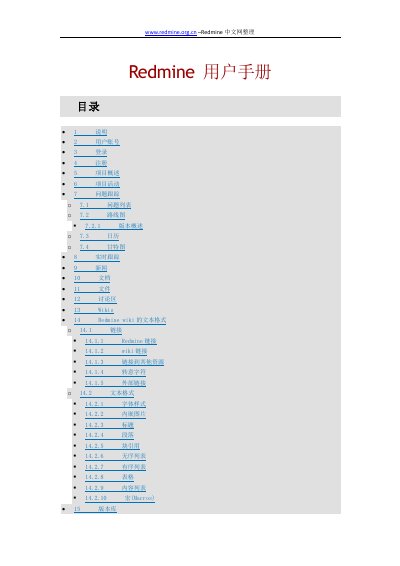
This document is a user manual for the Redmine project management software. It covers essential operations including user account management (login, registration, password recovery), project overview, and activity history.
The guide details how to track issues, manage roadmaps with Gantt charts, view news and documents, and utilize discussion forums and wikis. It also explains the text formatting rules for Redmine wiki pages. This manual is written in Chinese.
Users receive an activation email upon registration and must click the link inside to activate.
Users can click the 'Forgot Password' link on the login page, enter their email address, and follow the instructions in the received email to reset it.