
User manual for Rays SF-300 and SF-300D strobe lights, covering installation, operation, DMX setup, troubleshooting, and technical specs.
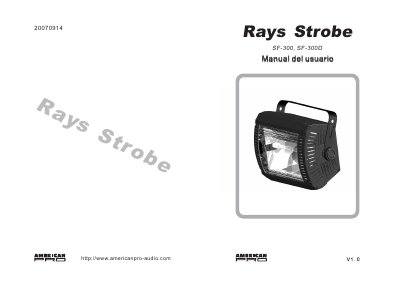
This manual covers installation, operation, and troubleshooting for the Rays SF-300 and SF-300D strobe lights. It includes instructions for manual and remote control, DMX configuration, lamp replacement, and safety precautions. Technical specifications are provided, including power, dimensions, and control modes. The SF-300 uses analog control, while the SF-300D supports DMX512 control. This manual is written in Spanish.
| Model | SF-300/SF-300D |
|---|---|
| Lamp | ST-300 |
| Flash Speed | 1-18 fps |
| Signal Connector | 6,35mm (1/4") mono jack (SF-300) or 3-pin XLR (SF-300D) |
| Dimensions | 278x140x220 mm |
| Weight | 1.96 kg (SF-300) or 2.11 kg (SF-300D) |
| Fuse | T1,6A/250V |
| Power Consumption | 300W |
Turn off the power, remove the front cover by unscrewing the side screws, replace the ST-300 lamp, and reattach the cover. Do not touch the glass with bare hands; clean it with alcohol if needed.
Use the Dip switches labeled #1 to #9. Each switch corresponds to a value (1, 2, 4, 8, 16, 32, 64, 128, 256). The DMX address is the sum of the values of the switches that are ON.
Set the Dip switches #1 to #9 to the desired DMX address. Connect the DMX 512 cable to the input (6) on the back of the unit. Ensure correct polarity, then connect power. The unit is ready for operation.
Check the power connection and fuse. If using DMX, verify the Dip switch settings. Test with a known working DMX controller and cable. If the issue persists, consult a qualified technician.