
Quick-start connection and operating notes for the Rane GE 215 graphic equalizer, including balanced inputs and outputs, signal levels, and power supply…
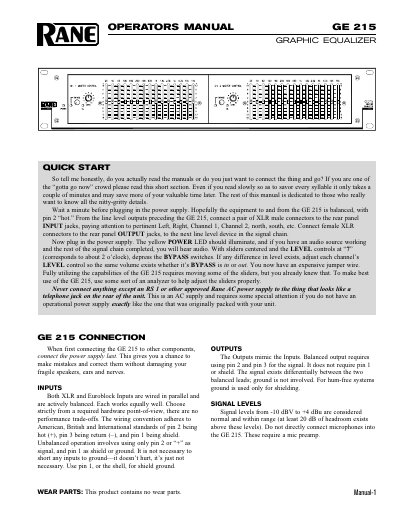
This one-page quick start explains how to connect the Rane GE 215 graphic equalizer into a signal chain, including XLR and Euroblock inputs and outputs, bypass level matching, and the recommended connection order.
It also states the supported signal levels, balanced wiring conventions, the approved Rane AC power supply requirement, and that the product contains no wear parts.
| Inputs | XLR and Euroblock, actively balanced, wired in parallel |
|---|---|
| Outputs | Balanced output uses pin 2 and pin 3 |
| Signal levels | -10 dBV to +4 dBu, with at least 20 dB headroom |
| Power supply | RS 1 or other approved Rane AC power supply |
| Wear parts | None |
Only an RS 1 or other approved Rane AC power supply should be connected to the rear connector.
Signal levels from -10 dBV to +4 dBu are considered normal, with at least 20 dB of headroom above those levels.
No, the product contains no wear parts.
When first connecting it to other components, connect the power supply last.