
This manual covers setup, parameter configuration, firmware updates, and safety precautions for the Radiolink MINIOSD on-screen display module compatible…
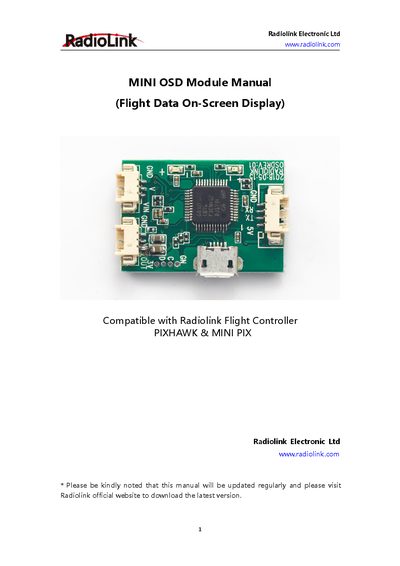
The Radiolink MINIOSD is a video overlay module designed to output composite signals of OSD data and camera video. It is compatible with Radiolink Flight Controllers, PIXHAWK, and MINIPIX systems to enable real-time observation of model status during FPV flights. The device features a USB port for connecting to a computer to personalize flight parameter displays.
The module is compatible with Radiolink Flight Controller, PIXHAWK, and MINIPIX.
Open the Firmware Upgrade Tool, select the latest osd.bin file, and quickly connect the powered-off module to the computer via USB.
Ensure trim levers are at 0, the battery is properly charged, and check all servo connections prior to each run.