
The Quintel Q4000 Mask Aligner Users Guide provides step‑by‑step procedures for setup, alignment, exposure, and shutdown of the mask aligner.
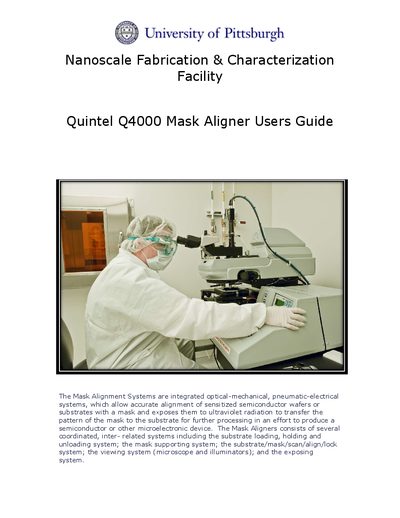
The guide describes the Quintel Q4000 Mask Aligner, an integrated optical‑mechanical, pneumatic‑electrical system that aligns sensitized wafers or substrates with a mask and exposes them to UV radiation for microelectronic device fabrication.
It details the complete operation procedure, including logging into the facility, turning on nitrogen, compressed air, and vacuum, powering the mercury lamp, loading the mask and wafer, performing intensity checks, selecting exposure modes, aligning via microscope or camera, and shutting down the system. A separate section covers backside alignment using infrared illumination.
| Exposure wavelengths | 365 nm (Channel A), 405 nm (Channel B) |
|---|---|
| Gap spacing | 30 µm |
| Lamp intensity unit | mW/cm² |
Flip the lamp power supply breaker, then press and hold the start switch until the meters display a change in power.
Channel A operates at 365 nm and Channel B operates at 405 nm.