
Release notes for Qualys Cloud Platform 2.40 covering new features, improvements, and issues addressed.
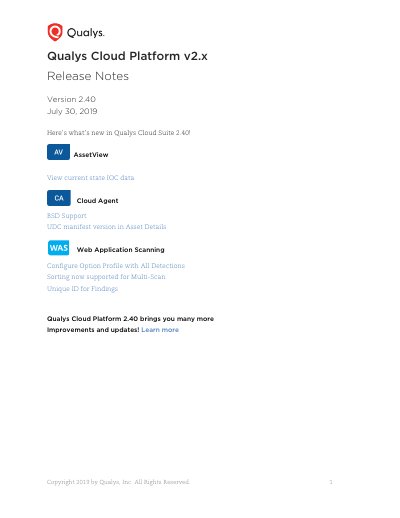
Qualys Cloud Platform 2.40 release notes describe updates to AssetView, Cloud Agent, UDC manifest display, Web Application Scanning, multi-scan sorting, and finding identifiers. They also list issues addressed in this release across AssetView, Cloud Agent, Web Application Scanning, and the platform.
The document covers configuring an option profile with all WAS detections, viewing current-state IOC data, BSD support in Cloud Agent v2.4.1, and a 36-bit unique ID for findings.
| Cloud Agent BSD support | Versions 10.4 and 11.2 |
|---|---|
| Finding unique ID | 36-bit unique ID (uniqueId) |
Cloud Agent v2.4.1 supports BSD versions 10.4 and 11.2.
It is shown in Asset Details > Agent Summary when using User-Defined Controls.
Configure the option profile, then choose the configured option profile for the scan and select Everything from the Detection drop-down.
Each finding is assigned a 36-bit unique ID (uniqueId).