
The Qomo QIT600 F1 is an ergonomic 21.5-inch interactive LCD panel supporting HDMI 1080p, pen annotation, and multi-angle adjustment for presentations and…
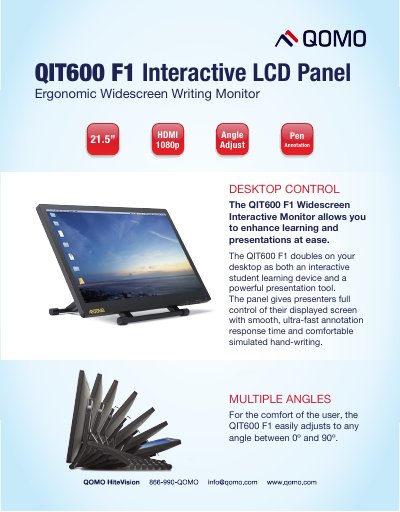
The Qomo QIT600 F1 is an ergonomic, widescreen interactive LCD panel designed for comfortable use at various angles. It functions as both an interactive student learning device and a powerful presentation tool, offering smooth annotation response time and simulated hand-writing capabilities.
The panel features a 21.5-inch display with 1920 x 1080 resolution and supports multiple operating systems including Windows and MAC OS. It includes a handwriting pen and charger, allowing users to write clearly on the screen or use an on-screen keyboard.
| Resolution | 1920 x 1080 |
|---|---|
| Brightness | 250 cd/m2 |
| Viewing Angle | 170° (horizontal) / 160° (vertical) |
| Tilt Angle | 5° ~ 85° |
| Operating Temperature | 0°~40°C |
| Supported OS | Windows 8/7/Vista/XP, MAC OS |
The screen can be adjusted to any angle between 0º and 90º, with a specific tilt range of 5° to 85°.
Yes, it includes an interactive pen that allows users to write comfortably and without interference.
The panel supports USB and HDMI interfaces.