
User guide for the Psiber Pinger Plus Network IP Tester, covering operation, PING tests, DHCP client mode, port identification, and setup.
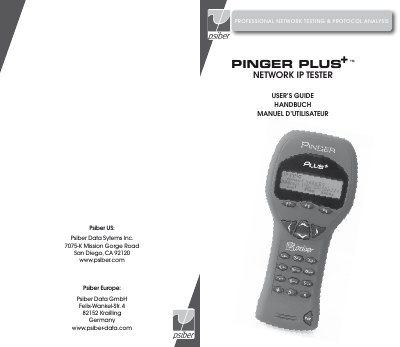
The Psiber Pinger Plus Network IP Tester is a handheld device used for professional network testing and protocol analysis. It utilizes the PING function to verify connectivity, measure round-trip time, check data integrity, and determine MAC addresses. The device supports testing on 10baseT and 100baseT networks and can identify port connections on hubs and switches.
| Power Source | Four AA Alkaline Batteries |
|---|---|
| Network Compatibility | 10baseT or 100baseT |
| Default IP Address | 192.168.1.42 |
Connect the unit to the network and use Internet Explorer or Netscape to access the setup page via the Pinger IP address.
The unit displays a 'No Link' message and provides a REPEAT function to rerun the search for a Link Partner.
Yes, it uses a Port Identification function with selectable blink rates to locate which port on a hub or switch a wall outlet is connected.