
User manual for the TREK-80 space combat game, designed for 8080 computers with VDM-1 video module, covering controls, display, weapons, and power management.
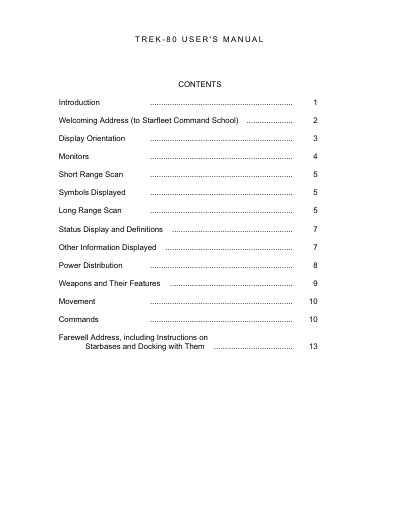
This manual guides users through the TREK-80 space combat game, designed for 8080 computers with a Processor Technology VDM-1 video module. It explains how to navigate the 100-quadrant universe, interpret short and long range scans, and manage ship systems like weapons, shields, and power distribution. The game features real-time action, audio effects, and a starbase system for refueling and repairs.
Key gameplay elements include identifying objects on screen, managing power allocation, and responding to threats like Klingons. The manual also includes instructions for setup, including memory requirements and VDM-1 configuration, and provides tips for surviving combat scenarios.
| Memory Required | 8K random access memory |
|---|---|
| Display Module | Processor Technology VDM-1 |
| Power Distribution | 99% available for scanners, drives, weapons, deflectors |
| Power Critical Threshold | Reactor goes critical if power falls below allocated amount |
The game requires an 8080 computer equipped with the Processor Technology VDM-1 Video Display Module.
You need 8K of random access memory addressed from 0 to 1FFFH.
A standard A.M. radio must be placed near the computer and tuned for maximum audio quality.