
This manual provides instructions for the Printrbot K3 3D printer, covering setup, operation, maintenance, and troubleshooting.
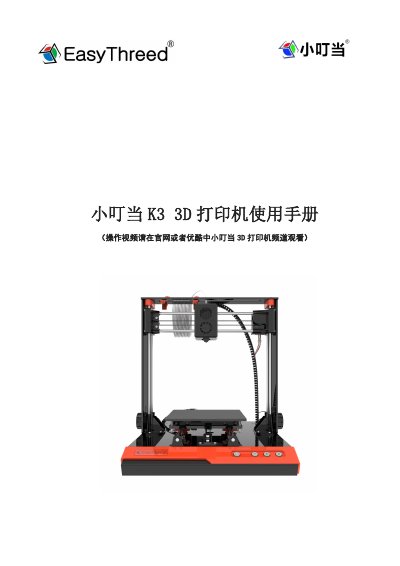
This document is the user manual for the Printrbot K3 3D printer. It includes an introduction to the machine parts, basic specifications, and a guide for unpacking and installation. The manual details the startup process, including platform leveling and material feeding, as well as how to start, pause, resume, and stop printing tasks using the control panel. This manual is written in Chinese.
| Operating Temperature | 5℃~35℃ |
|---|---|
| Relative Humidity | 30%~90% |
| Power Input | 100~240V AC, 50/60Hz |
| Power Output | 12V,5A |
| Maximum Power | 60W |
| Nozzle Diameter | 0.4mm |
| Print Material | PLA |
| Extrusion Temperature | 180-230℃ |
| Recommended Temperature | 180℃ |
| Print Speed | 10~40MM/S |
| Layer Thickness | 0.05~0.3mm |
| Build Volume | 150X150X150mm |
| Machine Dimensions | 340(h)*315(w)*335(l)mm |
| Net Weight | 2.5Kg |
The recommended temperature for PLA is 180℃.
The standard distance is the thickness of one sheet of A4 paper.
Press the pause button on the control panel to stop the indicator light from flashing.
Check if the nozzle is clogged by heating it to 210℃ and pushing the filament; if it does not extrude, clean or replace the nozzle.