
The owner’s manual explains installation, operation, settings, and maintenance for the Polaris 419C Interactive Digital Display.
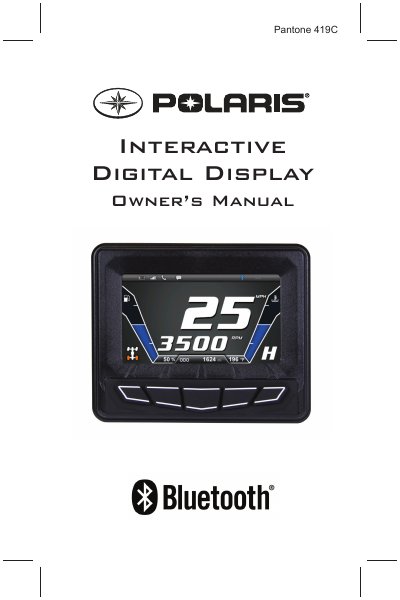
This manual provides step‑by‑step instructions for installing and using the Polaris 419C Interactive Digital Display (PIDD) on snowmobiles. It covers safety warnings, quick start procedures, display key functions, and how to register and update the device via the RiderX app.
Additional sections detail GPS and Bluetooth operation, map and trail data management, system diagnostics, and troubleshooting common issues such as GPS antenna problems or a white diagnostic screen. Maintenance tips and storage recommendations are also included.
| Display size | 4.3‑inch high‑resolution full‑color LCD |
|---|---|
| Bluetooth connectivity | Supports Bluetooth‑enabled cell phone communication |
| GPS/Mapping | Full‑feature GPS with compass and waypoint tracking |
| Performance meters | Speedometer, tachometer, dual trip meters, odometer |
Turn the ignition key OFF for 5 seconds then back ON, or press and hold Display Key 5 for 20 seconds.
Check that the antenna is powered, the connector pinout is correct, and the wiring is intact; ensure a clear view of the sky and remove nearby electrical interference.
Press and hold KEY 5 until the PIDD reboots, then update the software and maps.
Update the trails data at least every 90 days, or more frequently before long trips.