
This manual provides operating instructions for the PID-48 and PID-486H microcomputer controllers, covering panel description, auto-tuning, error codes, and…
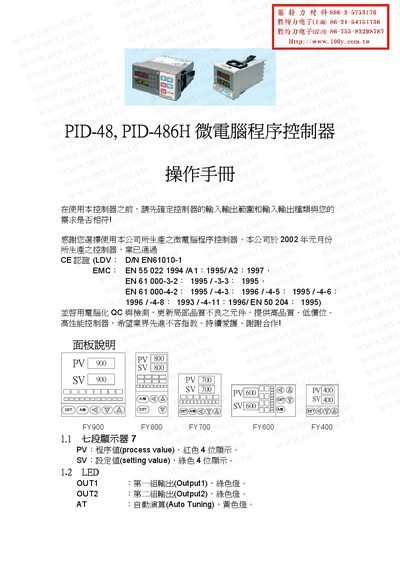
The document serves as a user guide for the PID-48 and PID-486H microcomputer program controllers. It details the controller's features, including its display indicators such as PV (process value) and SV (setting value), LED status lights for outputs and alarms, and various operational keys like SET, shift, increase, decrease, and A/M. This manual is written in Chinese.
| Certification | CE certified (LDV: D/N EN61010-1) |
|---|---|
| Display | 7-segment display with red PV and green SV |
| Auto Tuning Offset Range | 0 to USPL |
The MAN light indicates manual output adjustment. It lights up when an error occurs and sets the output percentage to zero.
Press the SET key for 5 seconds while in Level 1 to enter Level 2.
The AUTF error code indicates that the auto-tuning function has failed.