
The Picolario Talk user manual explains installation, operation, parameter settings, and troubleshooting for the expandable telemetry system.
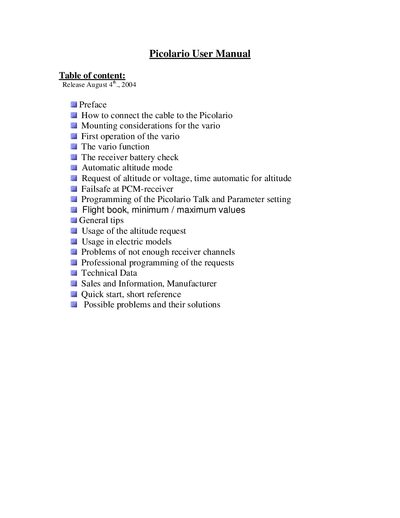
This manual covers everything you need to set up and use the Picolario Talk telemetry system, from mounting the unit with Velcro and connecting the cable to configuring switches and programming modes. Detailed instructions describe how to request altitude, voltage, and time announcements, as well as how the automatic altitude mode works.
Additional sections provide guidance on using the flight‑book feature, adjusting delay time, sink tone level, acoustic scale range, and interference detection sensitivity, plus a quick‑start guide, technical specifications, and a troubleshooting guide for common problems such as weak FRS signals or incorrect channel settings.
| Sensitivity | approx. 10 feet/min |
|---|---|
| Resolution altimeter | 1 foot |
| Operating range | -1500 ft to 27000 ft |
| Temperature range | -0°F to +130°F |
| Dimensions | 82 x 23 x 13 mm |
| Weight | approx. ¾ oz |
| Power supply | 4.6 V to 10 V |
| Current consumption | 45 mA |
| TX frequencies | 14 channels in the 462 MHz FRS band |
Mount the Picolario with Velcro inside the model and place the antenna outside, avoiding parallel placement to other wires or metal parts.
Enter programming mode by pressing the red or external button, select set mode 1, and adjust the value with the 3‑way switch.
When the switch is in the middle position, the unit zeroes at power‑on and announces the altitude automatically every 100 feet.
Check that the correct channel is set, ensure the antenna is not parallel to metal parts, increase squelch if needed, and verify antenna placement.