
User manual for the Philips Avent SCD641 and SCD643 baby camera, covering setup, app use, features, safety, maintenance and troubleshooting.
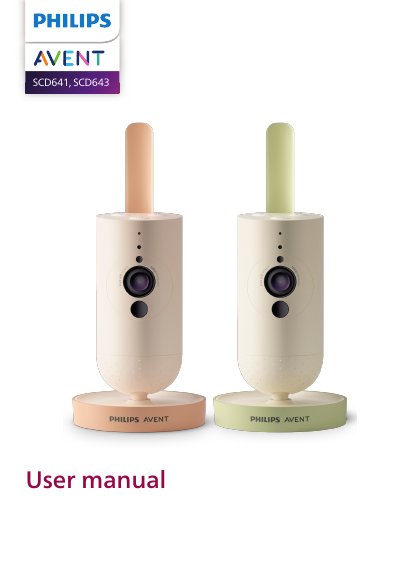
The Philips Avent SCD641/SCD643 user manual describes the baby camera and its parts, including the microphone, lens, nightlight, soothing sounds button, status light, infrared light, speaker, temperature sensor and power adapter. It explains preparing for use, turning the camera on, using the app and positioning the camera.
The manual also covers important safety information, account management, security and privacy, features such as soothing sounds and true talk-back, cleaning and maintenance, storage, recycling, support, troubleshooting and wall mounting. It states that the appliance is intended as an aid and not a substitute for responsible adult supervision.
Press the on/off button for 1.5 seconds to turn on the baby camera.
Plug the power adapter into the baby camera and the wall socket.
No. The appliance is intended as an aid and is not a substitute for responsible and proper adult supervision.
The Baby Monitor+ app can be used to check in.