
This manual provides installation, operation, settings, troubleshooting and warranty information for the Philips 499P9 monitor.
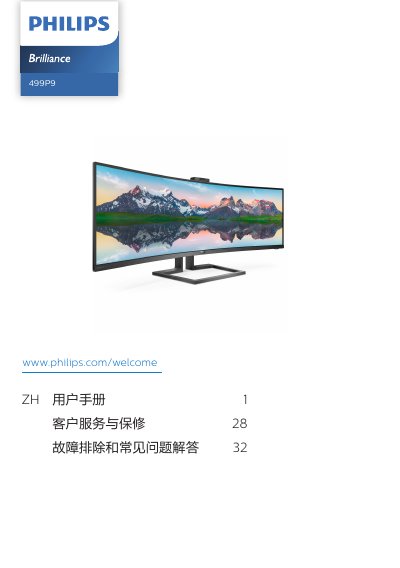
The Philips 499P9 monitor user manual guides users through safe installation, basic operation, image optimization, power management and warranty procedures. It includes safety warnings, disposal instructions, and detailed troubleshooting steps.
Key features covered are the curved 49‑inch VA panel, multi‑client KVM integration, USB‑C power delivery up to 90 W, HDR400 support, and extensive connectivity options such as HDMI, DisplayPort, USB‑C, RJ‑45 and USB‑A ports. This manual is written in Chinese.
| Panel type | VA w‑LED |
|---|---|
| Panel size | 49" (124 cm) diagonal |
| Aspect ratio | 32:9 |
| Resolution | 5120 × 1440 @ 60 Hz |
| Vertical refresh rate | 48‑70 Hz |
| HDR support | HDR400 |
| USB‑C Power Delivery | Up to 90 W (5 V‑20 V, 3‑4.5 A) |
| Typical power consumption | 81.8 W |
| Operating temperature | 0 °C – 40 °C |
| Weight (with base) | 15.30 kg |
Use a clean, slightly damp soft cloth for normal cleaning; for detailed cleaning use isopropyl alcohol, and avoid regular alcohol, ethanol, acetone or other solvents.