
This user guide covers the installation, configuration, and mounting of the Pepwave MAX Adapter 2.0.0, a cellular WAN interface device for LTE and 5G…
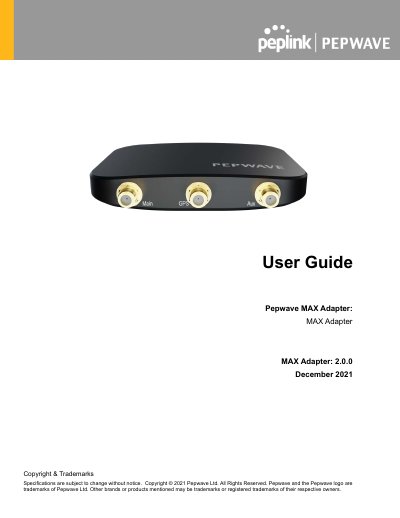
The Pepwave MAX Adapter 2.0.0 is a cellular WAN interface designed to provide high-speed connectivity via LTE and 5G networks. It features a single LTE modem with support for redundant SIM slots and offers downlink/uplink data rates up to 4 Gbps/700 Mbps for 5G and 2 Gbps/150 Mbps for LTE CAT-20. The device connects via a USB-C power port and is managed using the Peplink Connection Manager software.
| Cellular WAN Interface | Single LTE Modem |
|---|---|
| Redundant SIM Slot | Yes |
| 5G Downlink/Uplink Data Rate | 4 Gbps / 700 Mbps |
| LTE CAT-20 Downlink/Uplink Data Rate | 2 Gbps / 150 Mbps |
| Antenna Connectors | 4x SMA Cellular |
| Power Input | 5V USB-C |
| Power Consumption | 5W (nominal), 8W (max.) |
| Dimensions | 3.9 x 2.8 x 0.6 inches / 100 x 71 x 15 mm |
| Operating Temperature | 32° – 104°F / 0° – 40°C |
Connect the USB-C power port to the laptop in order to power the MAX Adapter via USB-C cable.
The default and recommended setting is Auto, which allows the mobile operator to be detected automatically.
The recommended screw specification is M3.5 x 20mm, with a head diameter of 6mm and head thickness of 2.4mm.