
This manual provides instructions for operating a PENTAX digital camera, including safety precautions, initial setup, and advanced photography functions.
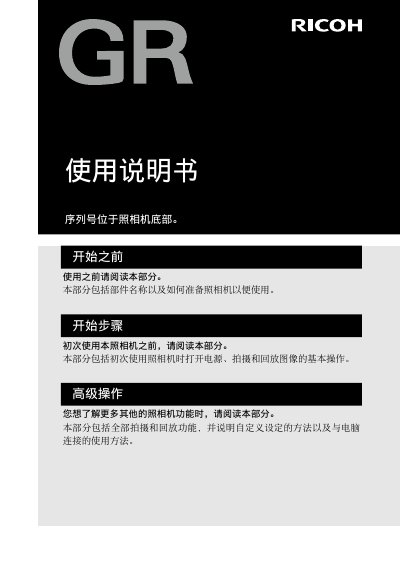
This user manual covers the essential steps for using a PENTAX digital camera, including how to turn on the power, take photos, and play back images. It also details advanced operations such as custom settings and connecting the camera to a computer. Before starting, users should read the safety warnings and verify the items included in the package. This manual is written in Chinese.
The package includes the GR hot shoe cover, a rechargeable DB-65 battery, a USB power adapter, a USB cable, a wrist strap, a CD, the user manual, and a power plug.
Immediately turn off the power, remove the battery carefully to avoid shock or burns, and unplug the power cord if using a household outlet.
Turn off the power immediately, remove the battery and memory card carefully, and unplug the power cord if using a household outlet.