
The PASO 8008 Digital Matrix Mixer User Manual provides setup, operation, connection, and technical specifications for the 8‑in × 8‑out mixer.
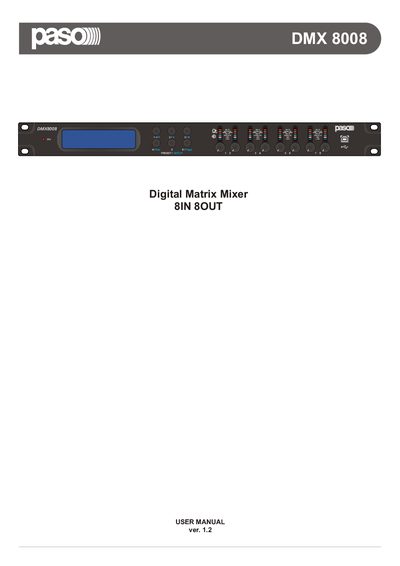
The DMX8008 is a high‑performance 8 input × 8 output digital matrix mixer designed for commercial and professional venues. This manual covers safety, installation, wiring, and operation of the unit, including stand‑alone and remote‑control modes.
It explains front/rear panel functions, wall‑panel control, connection options (USB, RJ45, RS‑485, TCP/IP), configuration of inputs/outputs, phantom power, and provides detailed technical specifications and communication protocol information.
| Number of inputs | 8 |
|---|---|
| Number of outputs | 8 |
| DSP engine resolution | 48 kHz / 24 bit |
| AD/DA converter resolution | 24 bit |
| Phantom power voltage | 48 V |
| Power supply voltage | 90‑240 V AC, 50‑60 Hz |
| USB interface | Type‑B connector |
| Network interface | RJ45 TCP/IP |
The mixer provides eight independent inputs and eight line outputs.
Enter System Setup, select TCP/IP Setup, and use the Up/Down buttons to modify each digit of the address, confirming with the Enter button.
Turn on phantom power; the LED PHANTOM POWER lights up when the supply is active.
It can be connected to a mains source ranging from 90 V to 240 V AC at 50‑60 Hz.