
This user guide provides instructions for operating, installing drivers, maintaining, and troubleshooting Pantum P1000/P2000 series laser printers.
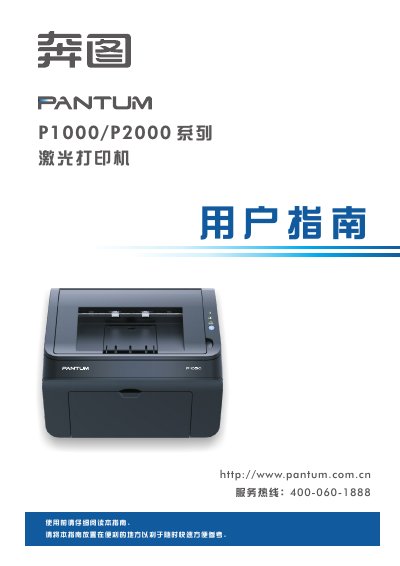
This manual covers the Pantum P1000 and P2000 series laser printers, detailing product features, safety precautions, and basic operation. It explains how to use the control panel, select paper sizes, and perform manual or automatic duplex printing. The guide also includes instructions for installing and uninstalling drivers on various Windows operating systems. This manual is written in Chinese.
| Text Resolution | 1200x600dpi |
|---|---|
| Image Resolution | 600x600dpi |
| P1000 Print Speed | 16 ppm |
| P2000 Print Speed | 20 ppm |
The driver disc supports Windows 2000, XP, Server 2003/2008, Vista, and Windows 7.
Open the output slot and clean the paper feed channel to remove foreign objects.
Check if the computer has insufficient RAM or simplify the page layout by removing unnecessary graphics.