
Installation guide for Panasonic WV-SP509 and WV-SP508 network cameras, covering safety, installation, connections, network settings, troubleshooting, and…
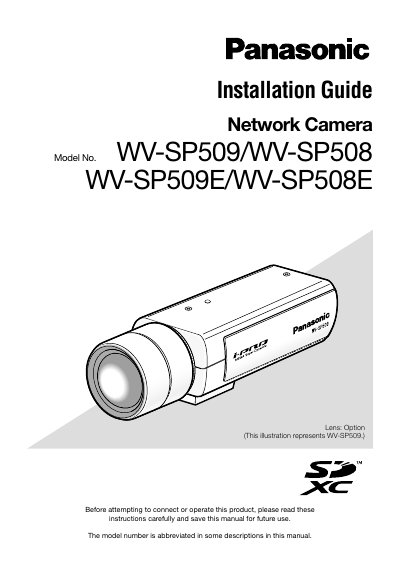
Panasonic WV-SP509/WV-SP508 Network Camera Installation Guide provides instructions for installing and connecting these network cameras. It covers safety instructions, liability and warranty notices, precautions, major controls, lens mounting, installation, and connection steps.
Additional sections describe using the CD-ROM, configuring network settings, troubleshooting, specifications, and standard and optional accessories. The guide also lists main functions such as H.264 and JPEG triple encoding, cropping, VIQS, distortion compensation, and auto back focus; the SD memory card slot is for WV-SP509 only.
| H.264 stream 1 resolution and frame rate | 1920 x 1080, max. 30 fps |
|---|---|
| H.264 stream 2 resolution and frame rate | 640 x 360, max. 30 fps |
| Image capture areas | Up to 4 |
| VIQS specified areas | Up to 2 |
| SD memory card slot | WV-SP509 only |
The SDXC/SDHC/SD memory card slot is available on the WV-SP509.
Yes, H.264 dual stream output and JPEG output can be simultaneously provided.
Yes, the camera can compensate for lens distortion and the amount of compensation can be adjusted.
Yes, by connecting to a network, images and audio from the camera can be monitored on a PC via a network.