
Panasonic WV-NS202A network camera installation guide covering safety instructions, system requirements, installation, connection, and network setup.
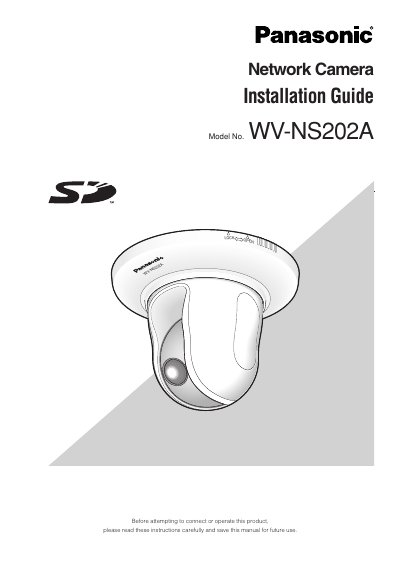
This Installation Guide is for the Panasonic WV-NS202A network camera, which operates on a 10BASE-T/100BASE-TX network so images and audio can be monitored on a PC through a LAN or the Internet. It contains safety instructions, regulatory notices, and warranty information from Matsushita Electric Industrial Co., Ltd.
The guide describes camera features such as Super Dynamic 3, JPEG/MPEG-4 dual encoding, Power over Ethernet, interactive audio communication, preset positions, and automatic black-and-white mode. It also lists PC system requirements and explains that detailed camera settings and operation are covered in the separate Network Operating Instructions PDF on the included CD-ROM.
| Network interface | 10BASE-T/100BASE-TX |
|---|---|
| Power over Ethernet | IEEE802.3af compliant |
| Video encoding | JPEG/MPEG-4 dual encode |
| Memory card slot | SD memory card |
| Processor requirement | Pentium 4 2.4 GHz or faster |
It operates on a 10BASE-T/100BASE-TX network connected to a PC.
Yes, upside-down installation is available, and the camera can be mounted on a ceiling or desktop.
Microsoft Windows 2000 Professional SP4, Windows XP Home Edition SP2, and Windows XP Professional SP2.