
Panasonic Plasma Display Operating Instructions

Operating instructions for Panasonic plasma displays including setup, connections, and troubleshooting.
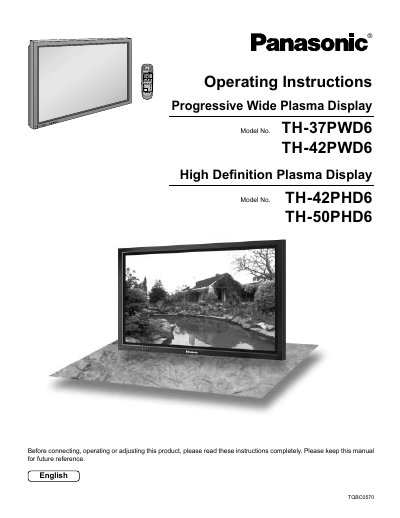

Panasonic Plasma Display Operating Instructions - cover page
Brand
Panasonic
Document type
User Manual
Language
English
Pages
40
File format
PDF
File size
923 KB
Published
16 October, 2026
Updated
16 October, 2026
MD5 checksum
B0E62F8941BF8609D0E7D8E5B10586F8

About this manual

This manual provides operating instructions for the Panasonic High Definition and Progressive Wide Plasma Display models TH-42PHD6, TH-50PHD6, TH-37PWD6, and TH-42PWD6. It covers essential safety precautions, including warnings about electric shock, ventilation requirements, and proper placement to prevent overheating or fire hazards.

What's inside

  • Important Safety Instructions
  • Accessories Supplied
  • Connections (PC, Serial, AV)
  • Power ON/OFF
  • Basic Controls
  • On-Screen Menu Displays
  • Input Signal Selection
  • Picture Adjustments
  • Sound Adjustment
  • Troubleshooting

Specifications

Power Supply120 V AC, 50/60 Hz

Frequently asked questions

What should I do if the plug does not fit into the outlet?

Consult an electrician for replacement of the obsolete outlet.

Can I place containers with water above the set?

No, do not expose this apparatus to rain or moisture and avoid placing water containers above it.

What happens if a still picture is displayed for an extended period?

A permanent after-image may remain on the Plasma Display.

Download PDF (923 KB)

More Panasonic Manuals


View all Panasonic manuals →