
Panasonic KX-NS700 Unified Communications Platform SIP Trunk Configuration Guide

Configuration guide for setting up a SIP trunk using Valcom VIP devices with the Panasonic KX-NS700 Unified Communications Platform for inbound and outbound…
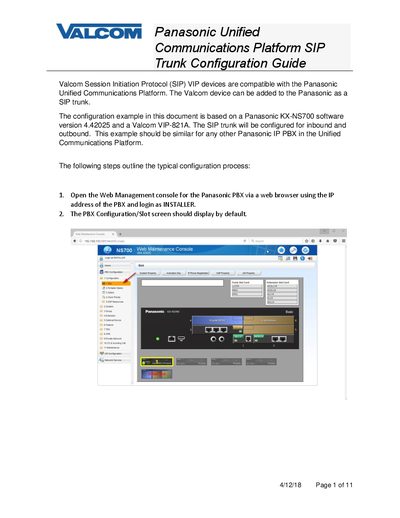

Panasonic KX-NS700 Unified Communications Platform SIP Trunk Configuration Guide - cover page
Brand
Panasonic
Category
Other Electronics
Document type
Installation Guide
Language
English
Pages
11
File format
PDF
File size
1.2 MB
Published
13 October, 2026
Updated
13 October, 2026
MD5 checksum
3CDF87B4EB736C163D70C8088F027B26

About this manual

This document provides step-by-step instructions for configuring a SIP trunk between the Panasonic KX-NS700 Unified Communications Platform and Valcom VIP devices. The guide details the process of adding a Valcom device as a SIP trunk, including web management console navigation, card configuration, and port property settings.

What's inside

  • Web Management Console
  • Virtual Slot Configuration
  • Shelf Property Settings
  • Port Property Configuration
  • Trunk Group Setup
  • CO Line Settings
  • DDI/DID Table
  • VIP Device Configuration
  • Inbound and Outbound Calls
  • Testing Procedures

Frequently asked questions

Which Panasonic software version is this configuration example based on?

The configuration example is based on a Panasonic KX-NS700 software version 4.42025.

What is the default SIP Client Port Number used in the example?

The default SIP Client Port Number used in the example is 35060.

How do you access the SIP trunk line created in the example?

You access the SIP trunk line by dialing 803 (8 to access trunk group and 03 for the trunk group).

Download PDF (1.2 MB)

More Panasonic Manuals


View all Panasonic manuals →