
The Panasonic FX-100 series digital fiber sensor manual provides connection, operation, settings, and technical specifications.
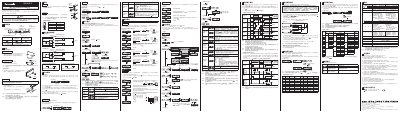
This manual explains how to connect the sensor using the CN-14A-C cable, describes the RUN, SET, and PRO modes, and details the lock key function to prevent accidental changes. It also covers installation on DIN rails, cable handling, and safety precautions for industrial use.
Technical specifications such as power supply voltage, current limits, output types, response times, and environmental limits are listed, along with troubleshooting guidance for error codes and instructions for copying settings between master and slave units. This manual is written in Chinese.
| Power supply voltage | 12–24 V DC ±10 % |
|---|---|
| Typical power consumption (24 V) | ≤720 mW (30 mA) |
| ECO mode power consumption (24 V) | ≤600 mW (25 mA) |
| Maximum input current (NPN type) | 100 mA |
| Maximum output current (PNP type) | 100 mA |
| Input impedance (NPN) | ≈10 kΩ |
| Response time (投光频率 0) | ≤250 µs |
Insert the connector‑equipped cable CN-14A-C into the connector part as shown in the diagram, pressing the unlock lever while pulling the cable.
The sensor operates on a 12 V to 24 V DC supply with a tolerance of ±10 %.
Press the MODE key for about 2 seconds to toggle between RUN and SET modes; hold longer to return to RUN mode from other settings.