
This manual provides setup, operation, safety instructions and specifications for the Panasonic DVD‑S825 DVD player.
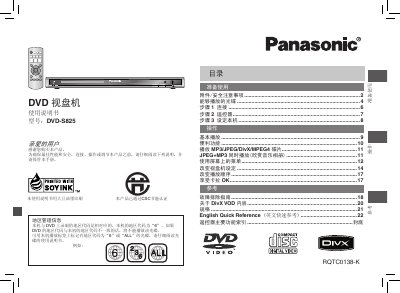
The Panasonic DVD‑S825 DVD player manual covers everything needed to install and use the device safely. It includes safety precautions, a list of included accessories, and detailed instructions for connecting power, audio/video cables, and the remote control.
The guide also explains how to configure region settings, select supported disc formats, use basic playback functions, access convenient features such as karaoke mode, and adjust audio/video settings. A full specifications table and troubleshooting section are provided at the end. This manual is written in Chinese.
| Power Supply | AC 110‑240 V, 50/60 Hz |
|---|---|
| Power Consumption | 14 W |
| Standby Power | ≈ 2 W |
| Dimensions (W×D×H) | 430 mm × 231 mm × 43 mm |
| Weight | ≈ 2.0 kg |
| Audio Output Level | 2 Vrms (1 kHz, 0 dB) |
| Digital Audio Outputs | Coaxial (pin‑type), Optical (TOSLINK) |
| Video Output Level | 1 Vp‑p (75 Ω) |
The DVD‑S825 is set to region code 6.
It cannot play Blu‑ray, HD‑DVD, DVD‑RW (1.0 version), DVD‑ROM, DVD‑RAM, DVD‑Audio, DVD‑R DL, +R DL, CD‑ROM, CDV, SACD, CD‑G, photo CDs, user‑made WMA and HighMAT discs.
The standby power consumption is about 2 W.
Select the “Image” menu in “Change DVD‑S825 Settings” and choose “Progressive Output” or “720P”.