
The Panasonic DMC‑G5 user manual provides operating instructions, safety guidelines, and feature details for this digital camera.
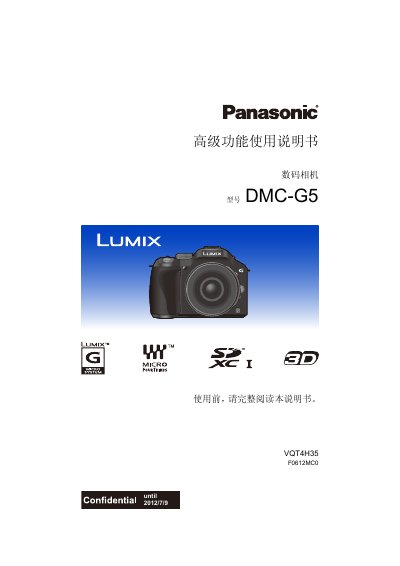
This manual covers everything you need to know before using the Panasonic DMC‑G5 digital camera, including safety precautions, standard accessories, and the functions of each component. It explains how to attach lenses, charge the battery, insert memory cards, and set the date and time.
Detailed sections describe basic shooting modes, advanced features such as optical image stabilization, touch‑screen zoom, and video recording, as well as playback, editing, and connecting the camera to external devices like TVs and PCs. This manual is written in Chinese.
| Lens Mount Compatibility | Micro Four Thirds (MFT) system lenses |
|---|---|
| Supported Memory Cards | SD, SDHC, SDXC |
| Video Output Interface | HDMI mini (optional) |
The camera supports SD, SDHC, and SDXC memory cards.
No. The camera is not dust‑proof, water‑proof, or splash‑proof, and should not be used in dusty or wet conditions.
Set the clock again via the date/time menu.