
Panasonic CF-VDR301R DVD-ROM & CD-R/RW Drive User Manual

This manual provides operating instructions, safety precautions, software usage guides, troubleshooting tips, and specifications for the Panasonic…
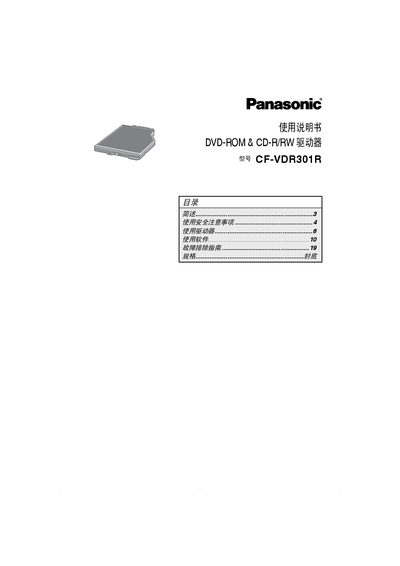

Panasonic CF-VDR301R DVD-ROM & CD-R/RW Drive User Manual - cover page
Brand
Panasonic
Document type
User Manual
Language
Chinese
Pages
20
File format
PDF
File size
671 KB
Published
13 October, 2026
Updated
13 October, 2026
MD5 checksum
246E3188BA9E61F63972E2796D11E2D0

About this manual

The Panasonic CF-VDR301R is a DVD-ROM and CD-R/RW drive designed for use with the Panasonic CF-30 series notebook computers. This manual covers essential safety precautions regarding laser radiation and disc handling, as well as detailed instructions on installing and removing the drive from the computer chassis. This manual is written in Chinese.

What's inside

  • Safety Precautions
  • Using the Drive
  • Software Usage
  • Troubleshooting Guide
  • Specifications

Frequently asked questions

What computer series is this drive designed for?

This drive is intended for use with the Panasonic CF-30 notebook computer series.

How long must a user wait before reinserting a disc after waking the computer?

If automatic CD playback does not start, remove the disc and wait 15 seconds before inserting it again.

How many times can a user change the region code for DVD playback?

A user has up to 5 opportunities to change the region code, including initial setup.

Download PDF (671 KB)

More Panasonic Manuals


View all Panasonic manuals →