
This manual provides instructions for operating, configuring, and setting up Panasonic network cameras including the BL-VT164H and BL-VP100 series models.
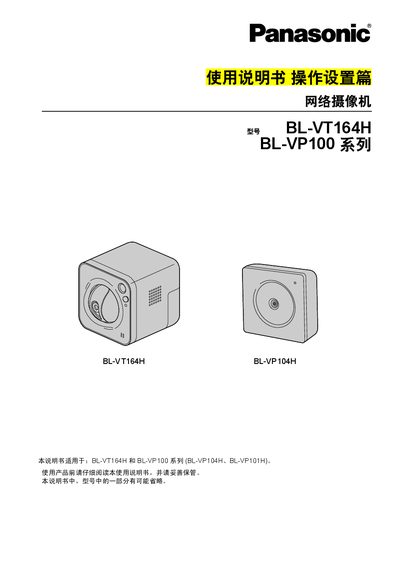
This document serves as the Operation and Setup guide for the Panasonic BL-VT164H and BL-VP100 Series (including BL-VP104H and BL-VP101H) network cameras. It covers essential procedures such as viewing images via computer or mobile devices, configuring security settings, managing alarms, and setting up network connectivity including FTP and DDNS services.
The guide details how to access the camera's web interface using a browser or player software like Network Camera View 4S. It explains various configuration menus for video/audio quality, privacy zones, image analysis features such as face detection, and user management. Additionally, it provides steps for maintenance tasks like firmware upgrades and system log checks. This manual is written in Chinese.
The initial username is admin and the initial password is 12345.
Up to 14 users can access the camera simultaneously, depending on bandwidth settings.